Start with the people and the game
Before choosing an app, ask who is coming, how long they want to play, and what devices they can use. A group joining from phones may enjoy a spoken trivia round or a word game more than a board game with a crowded digital table. If some guests are new to remote play, choose a game you can explain in a few minutes. The best choice is not necessarily the most elaborate one; it is the one everyone can join comfortably.
Send one invitation with the start time, expected finish time, joining link, and any preparation guests need to do. Note whether they will need an account, a second screen, paper and pencil, or a copy of a game. If possible, offer a game that needs no purchase or special equipment. Let guests know the plan can bend: a short, enjoyable session is better than pushing through a game that is not working for the group.
Choose a simple set of tools
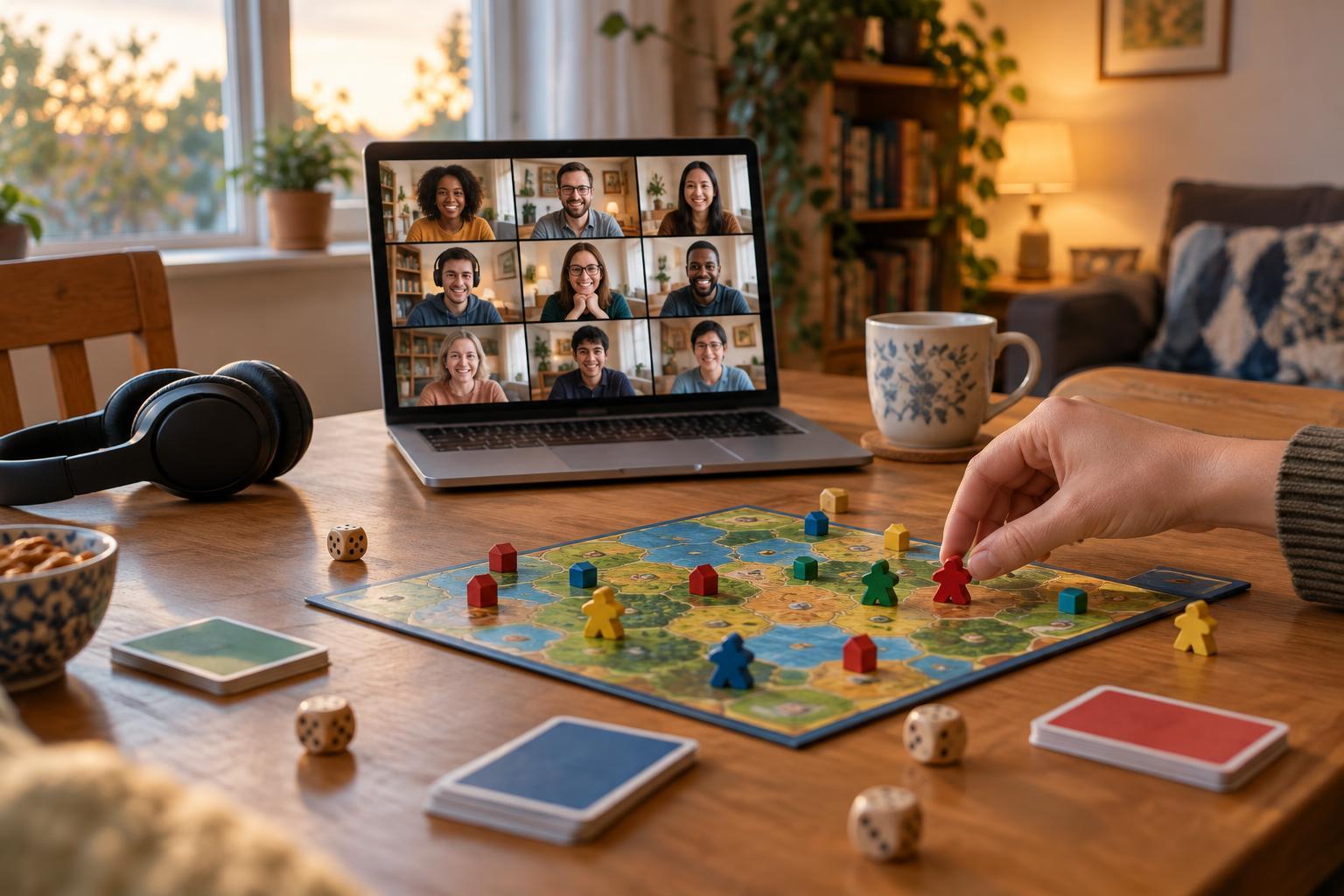
Most remote game nights need only a way to talk and a way to see or share the game. That might mean a video call plus a shared screen, a virtual tabletop, or a collaborative document for clues and scores. Pick tools that fit the game rather than collecting features you may never use. Check whether guests can join from their devices and whether a free account, installation, or invitation is required.
Keep important information in one place. A message containing the call link, game link, and brief joining steps is easier to follow than several separate messages. Avoid sharing personal details on a public game page, and use private invitations when a tool provides them. It is also worth choosing a host who can manage the room, explain turns, and help anyone who gets disconnected without stopping the whole game.
Make a schedule with room to breathe
Plan a short arrival window before the first round. Those minutes give guests time to settle in, adjust audio, and catch up without missing instructions. Then explain the game’s goal, show one example turn, and check for questions. For a longer evening, start with an easy warm-up, move to the main game, and leave a few minutes at the end to chat or choose what to play next time.
Remote turns can take longer when people are looking at different screens or waiting for someone to unmute. Choose a game length that leaves room for that pace, and say in advance when you expect to stop. A natural break between rounds helps anyone who needs to step away. If a game might run long, decide beforehand whether you will finish it, save the state if possible, or end after a set number of rounds.
Run a quick tech check
The host can test the call link and game view before guests arrive. Open the game on the device you intend to use, check that shared text is readable, and make sure you know how to mute, adjust volume, and return to the call if you switch windows. If you plan to share sound, test that separately; audio from a game does not always reach a call in the same way as your microphone.
Ask guests to join a few minutes early if the tools are unfamiliar. A simple check is enough: can everyone hear, speak, and find the game? Headphones may reduce echo, but they should not be a requirement. Keep a low-tech backup ready, such as a verbal guessing game, collaborative story, or puzzle read aloud by the host. If the main tool fails, switching activities is usually more fun than spending the whole evening troubleshooting.
Keep everyone included once play begins
Remote groups benefit from clear turn cues. Say whose turn it is, repeat a clue if the audio cuts out, and pause briefly before moving on. For games with hidden information, explain how players should submit answers so nobody accidentally reveals one. If someone is quiet, invite them in without putting them on the spot; they may be thinking, having a connection problem, or simply enjoying the conversation.
Make participation flexible where the game allows it. A guest who prefers not to use a camera may still play fully by voice or chat. Read out important on-screen information rather than assuming everyone can see small text, and avoid relying only on color to distinguish pieces or teams. At the end, ask what was easy to join and what felt awkward. Those small observations will help you make the next game night smoother.